
exploring a modern embedded development experience
how I write code
2/11/2024
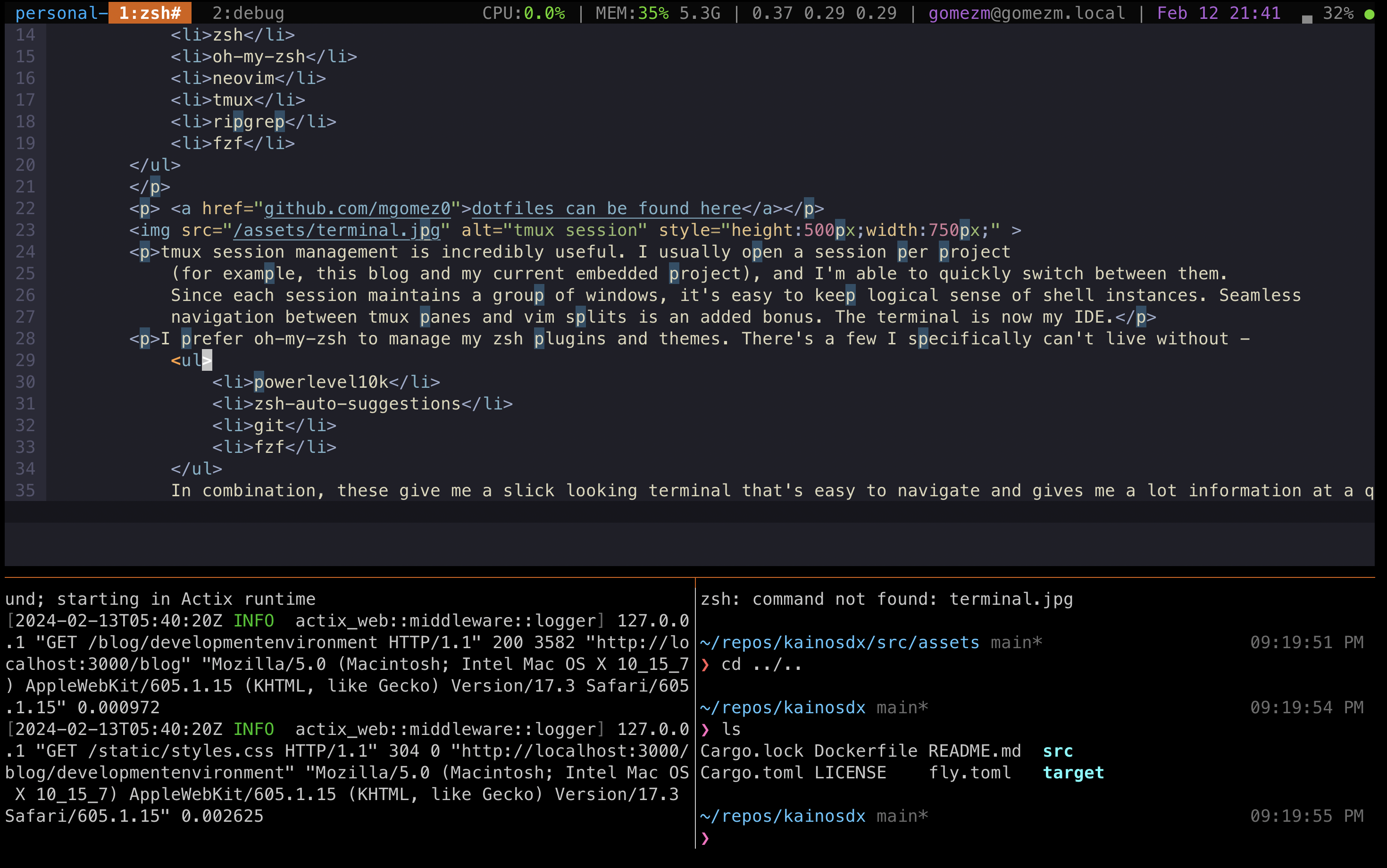
tmux session management is incredibly useful. Sessions persist even after ssh connections drop, so all you have to do is reconnect and you can instantly recover your working config. I usually open a session per project (for example, this blog and my current embedded project), and I'm able to quickly switch between them. Since each session maintains a group of windows, it's easy to keep logical sense of shell instances. Seamless navigation between tmux panes and vim splits is an added bonus. The terminal is now my IDE.
tldr;dotfiles can be found here
I want to pause and give some details on my terminal + editor setup. Persuading the reader that working in the terminal generates maximum developer efficiency is not in the scope of this writing, but it is what works best for me personally. This includes some key tools:
- zsh
- oh-my-zsh
- neovim
- tmux
- ripgrep
- fzf
I prefer oh-my-zsh to manage my zsh plugins and themes. There's a few I specifically can't live without -
- powerlevel10k
- zsh-auto-suggestions
- git
- fzf
.zshrc
after installing oh-my-zsh. Try out <C-t> and <C-r> - directory navigation and command history is insanely
fast.
My neovim setup is a bit more involved. The key plugins are coc.nvim (I use it for LSP), telescope, treesitter, and fzf.
This gives me blazing fast string searching across both filenames and file contents, jump-to-definition, list of references,
beautiful syntax
highlighting, and more.